Getting Online in Tokyo: SIM, eSIM and Pocket Wi-Fi
By Japan Connect Guide Team · Updated 9/12/2026
This page contains affiliate links. We may earn a commission if you make a purchase, at no extra cost to you. Learn more.
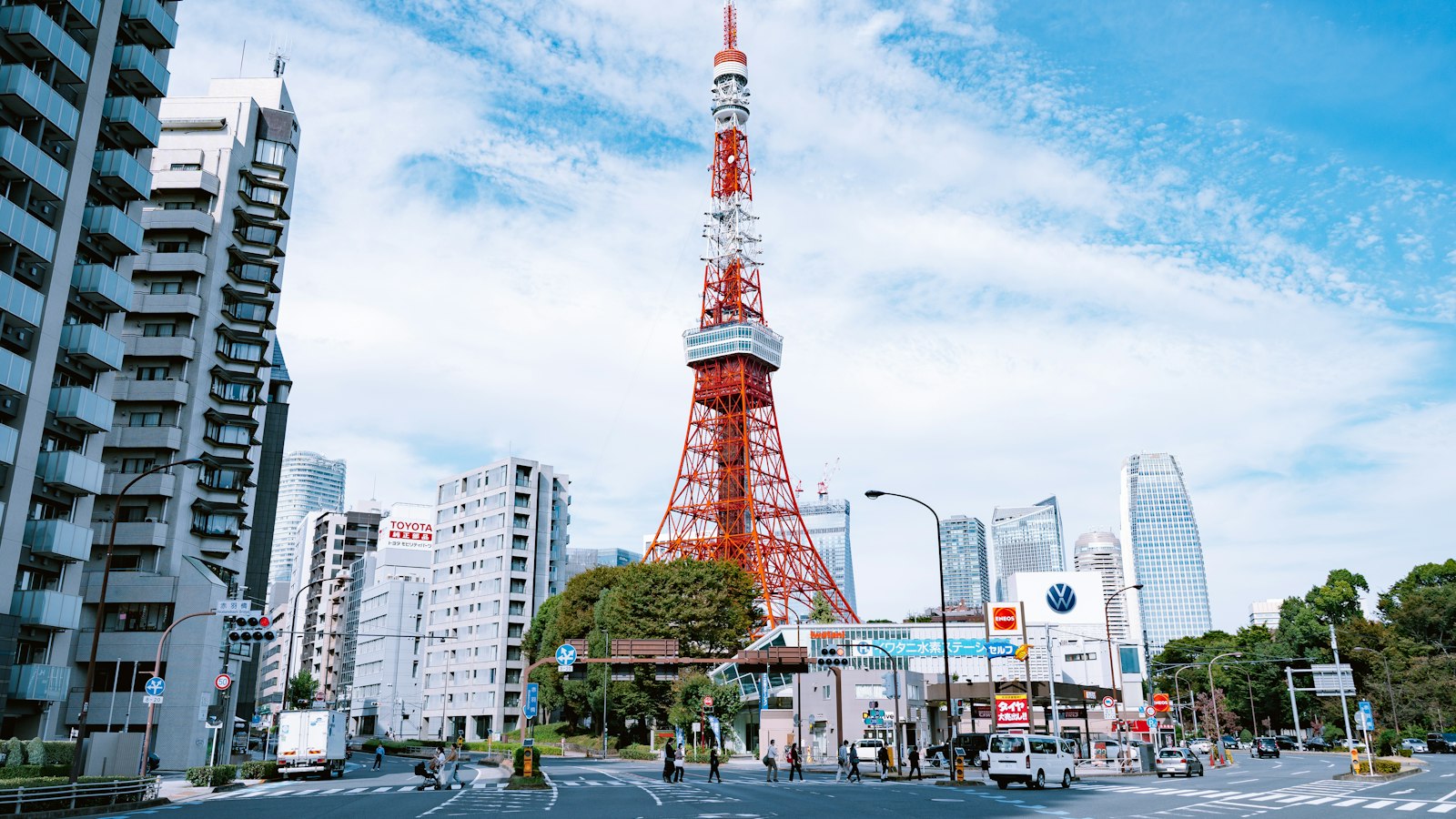
Tokyo is one of the easiest cities in Japan to get a signal in, but one of the harder ones to stay connected in. Coverage is excellent almost everywhere you’ll go. The difficulty is scale: the distances between where you are and where the rest of your party is, and the number of ways out of a single station.
Quick answer
- Install an eSIM before you fly if you land at Haneda, where you reach the city before you could set one up
- Two individual eSIMs if you are a couple, since they cost less than the router you would have to rent for seven days
- One shared pocket Wi-Fi router if you are a family of four, or carrying a tablet as well
- A separate connection for anyone going off alone if a teenager wants an afternoon in Akihabara
Narita or Haneda changes your answer
These two airports produce different trips, and it matters for connectivity more than people expect.
Haneda sits inside the city. You clear the terminal and you are on a train that reaches central Tokyo in a short ride, which leaves very little time to sort out a connection before you need one to find your hotel.
Narita is roughly an hour out by express train. Think of that hour as a grace period you did not plan for: time to find a counter, queue, swap a SIM, restart the phone and check it works, all before you actually have to navigate anywhere.
If you are landing at Haneda, or on a late flight at either airport when counters may be closed, install an eSIM before you fly. It activates on landing and removes the whole errand. Both airports have places to buy or pick up physical SIMs and rental Wi-Fi devices if you would rather do it on arrival — just check the opening hours and where they actually are, since they are not all in the same part of the terminal.
Stations are where a shared connection breaks
Shinjuku Station alone has a bewildering number of exits spread across several operators’ lines. Shibuya moves enormous numbers of people through a small area. Tokyo Station has its own internal geography.
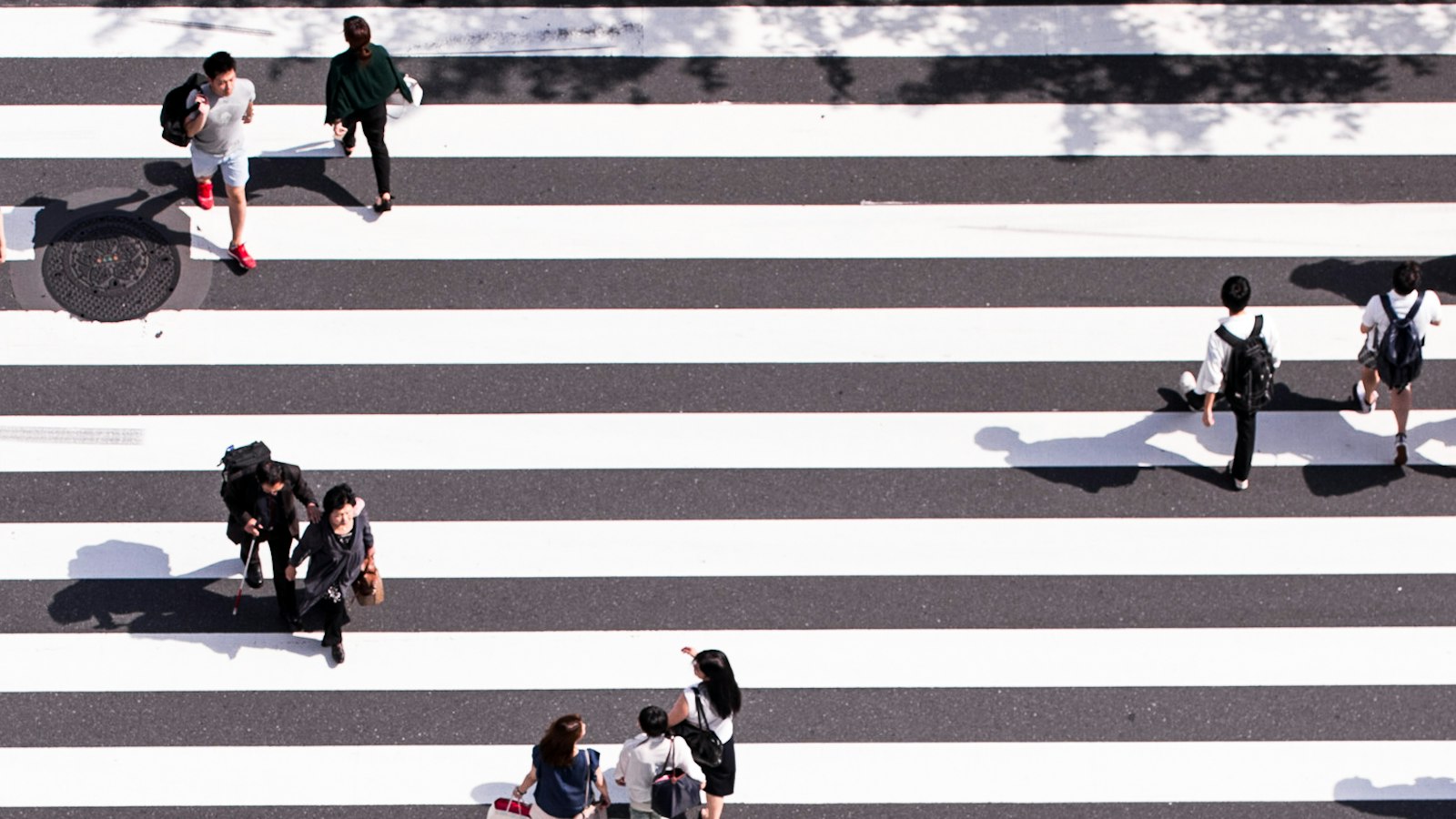
What this means in practice is that a group moving as a loose line separates routinely, and not dramatically. One person makes a train, another does not. Two people take an escalator and surface on a different street. With a shared pocket Wi-Fi router, whoever is not carrying it loses their map and their messaging at exactly that moment, and “I’m at the north exit” is not useful information at a station with several of them.
Two practical responses, and the free one is worth doing regardless of what you buy. Agree on a specific numbered exit as a default meeting point for the stations you will use repeatedly, rather than a direction. And for couples and groups that split up, individual connections are especially valuable in Tokyo.
What to buy
For most Tokyo trips the answer is an eSIM, and the reasoning changes with party size rather than with the city.
| Party | Typical answer | Cost |
|---|---|---|
| Solo | One tourist eSIM | ¥1,650 for 3 days, ¥3,850 for 7 |
| Couple | Two individual eSIMs | ¥5,500 for 5 days |
| Family of 4 | One shared pocket Wi-Fi router | ¥8,558 for 7 days |
| Group of 5+ | One or two routers | From about ¥1,400 per person |
Couples are where the usual advice goes wrong. The standard suggestion is that sharing one router saves money. At these prices, sharing a router often isn’t cheaper for two people: neither rental provider sells a five-day router, so a five-day trip pays the seven-day rate of ¥8,558, against ¥5,500 for two eSIMs that also work independently. A router’s cost advantage starts at around three or four people sharing it.
A router still wins in two specific cases: if one phone in your party does not support eSIM, or if you are bringing a tablet or laptop that would otherwise need a plan of its own.

Mobal
Priced by the exact day, so a short Tokyo trip pays for the days it uses
940+ customer reviews, mostly positive
Coverage notes
The Tokyo Metro and Toei lines run mostly underground, but mobile service is available throughout the subway network, so a transfer does not take you offline. Brief slowdowns can still happen in deep underground areas or while changing lines.
Tokyo Disney Resort has solid coverage across the park grounds and the monorail, but crowd density at peak times can put heavy demand on mobile networks and slow speeds. Load park maps and tickets in the morning rather than pulling them up in a queue.
If your itinerary runs out to Kamakura, you’ll generally stay connected throughout the JR journey. The patchier moments are at the sights themselves: some temple grounds can have weaker reception because of buildings, terrain, or dense vegetation.

Sakura Mobile
Pocket Wi-Fi for a family, or a physical SIM if a phone cannot take an eSIM
1,402 customer reviews, mostly 5-star but with some complaints
How much data a Tokyo trip actually uses
Around 1-2GB per person per day for typical sightseeing. Tokyo’s dense rail map means more active navigation than a smaller city, and station-exit hunting adds to it, but the totals stay modest unless you stream video on the move. Most tourist plans cover this comfortably, which is why price and independence should drive your choice rather than the size of the allowance.
Frequently Asked Questions
Should I buy a SIM at Narita or Haneda, or arrange one before I fly?+
Before you fly, particularly for Haneda. Narita's hour on the express is enough time to find a counter and get a SIM working; Haneda puts you in the city almost immediately, and a late arrival may find the counters closed. An eSIM installed at home activates on landing and removes the question.
Is one pocket Wi-Fi router cheaper than two eSIMs for a couple?+
No. Neither rental provider sells a five-day router, so a five-day trip pays the seven-day rate of ¥8,558, against ¥5,500 for two eSIMs that also work independently. A router's cost advantage starts at around three or four people sharing it.
Will I lose signal on the Tokyo subway?+
Mobile service is available throughout the Tokyo Metro and Toei network, so a transfer does not take you offline. Brief slowdowns can still happen in deep underground areas or while changing lines.
How much data does a week in Tokyo use?+
Around 1-2GB per person per day for typical sightseeing. The dense rail map means more active navigation than a smaller city, but the totals stay modest unless you stream video on the move.
All Tokyo connectivity guides
Worked through by trip length and party size, with current prices for each.
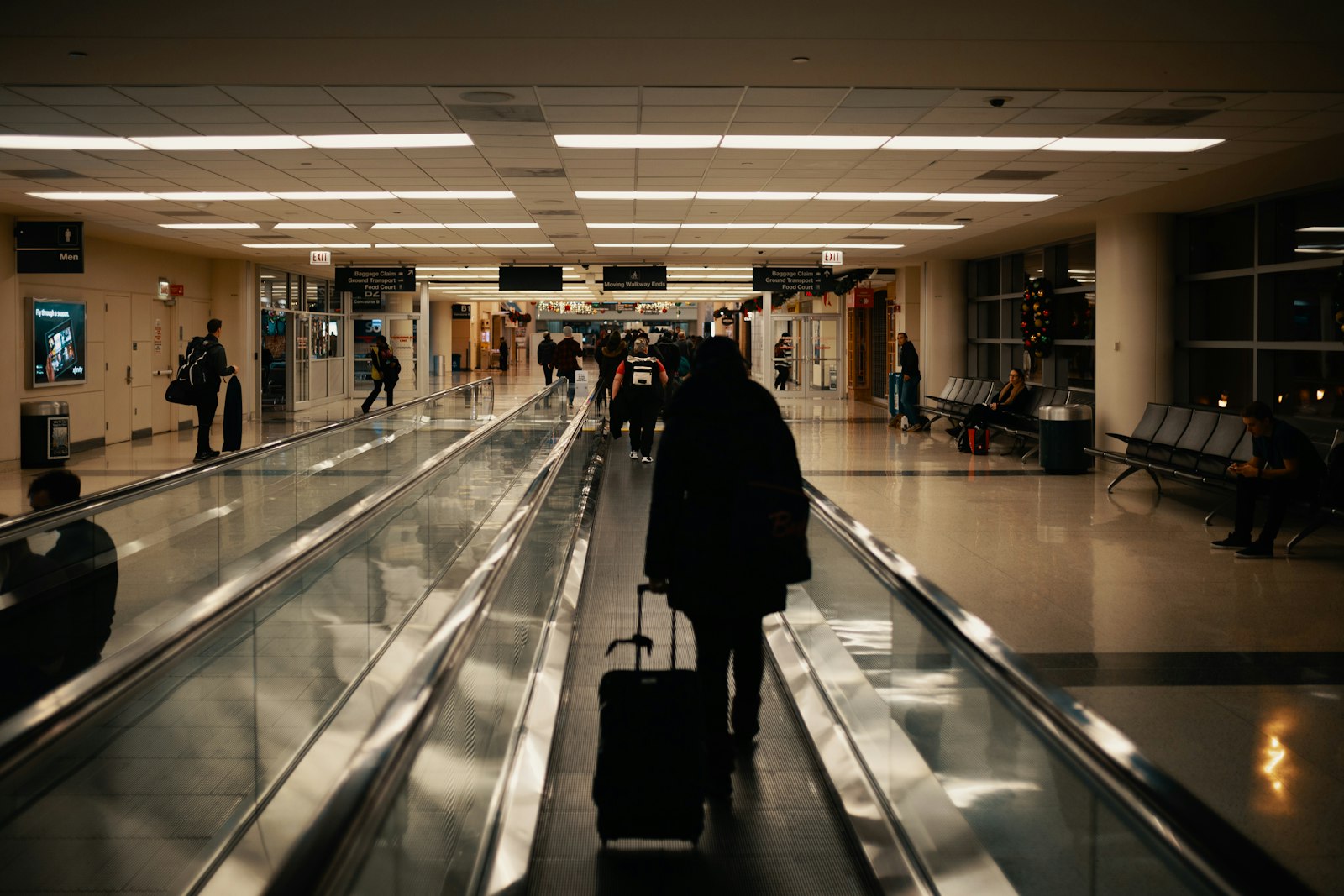
Tokyo 3 Days Business Trip: Best eSIM Options
For a short Tokyo business trip, reliability and zero setup friction matter more than saving a few dollars — here's the eSIM approach that gets you online the moment you land.
Updated July 28, 2026
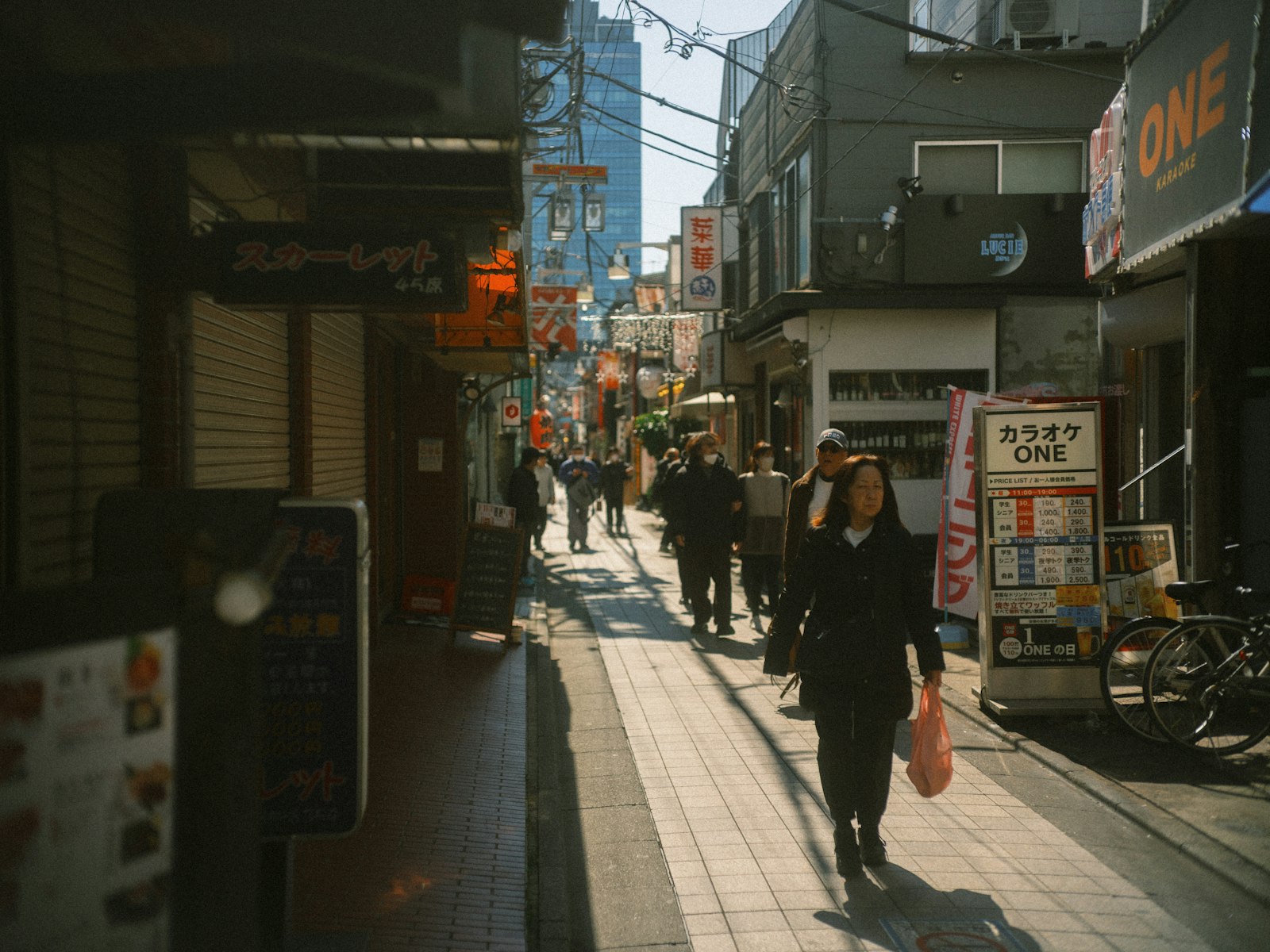
Tokyo 5 Days Couple: SIM/eSIM Guide
Shinjuku and Shibuya separate couples for real, not hypothetically. Why each of you wants your own connection in Tokyo, what it costs against a shared router, and the Kamakura day trip.
Updated September 12, 2026
Tokyo 7 Days Solo Traveler: Best SIM/eSIM Options
How much data you actually need for a solo week in Tokyo, and which SIM/eSIM plans fit that usage without overpaying.
Updated July 28, 2026
Tokyo 10 Days Family of 4: Connectivity Guide
Ten days is long enough that older kids will want an afternoon on their own — the one thing a shared router cannot support. Plus the 7-vs-30-day rental pricing trap.
Updated September 12, 2026
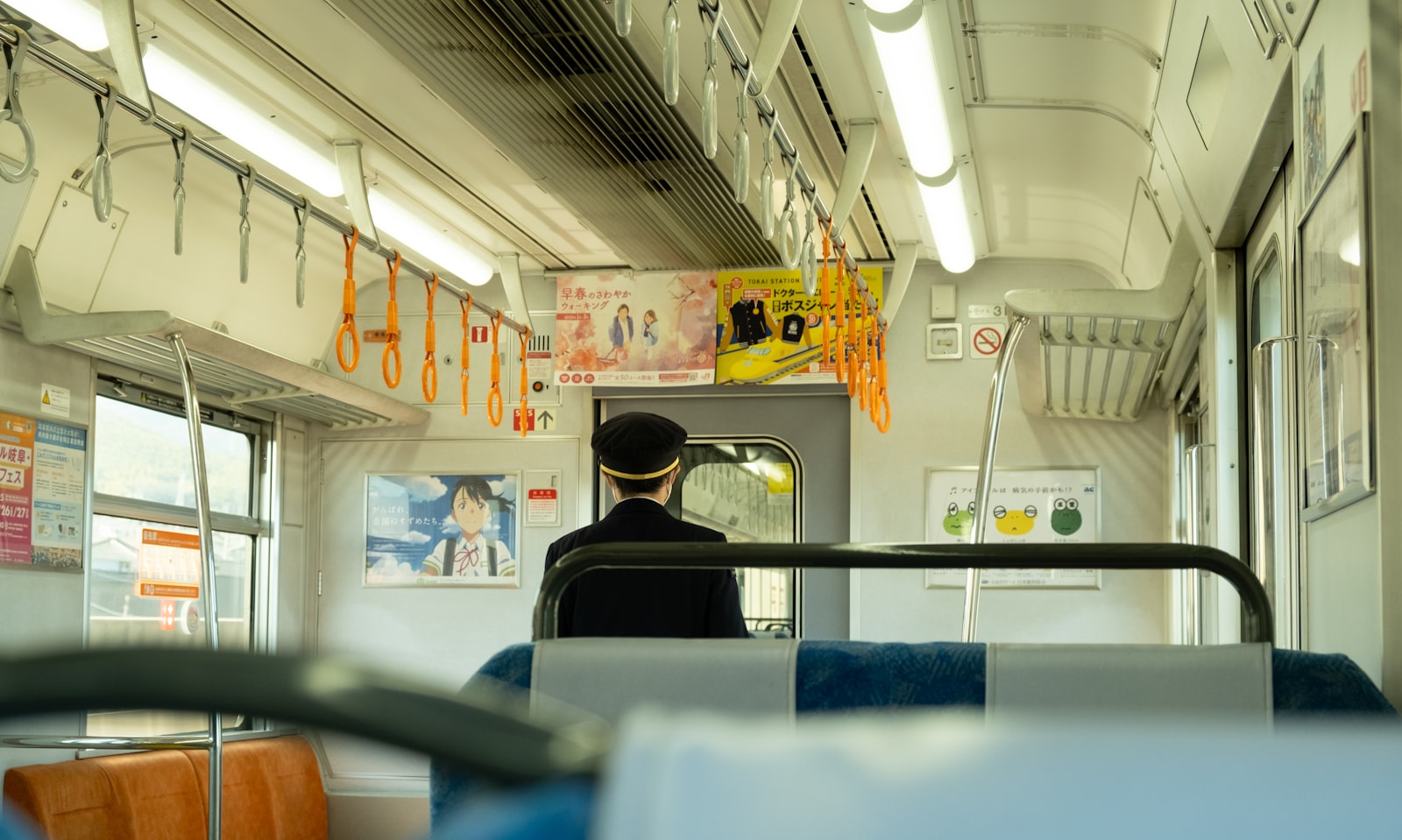
Tokyo to Osaka 10 Days Family of 4: Connectivity Guide
A two-city family trip turns on one day: the Shinkansen transfer with luggage and children. Oversized bags need a reservation, and a rented router has to get home somehow.
Updated September 12, 2026
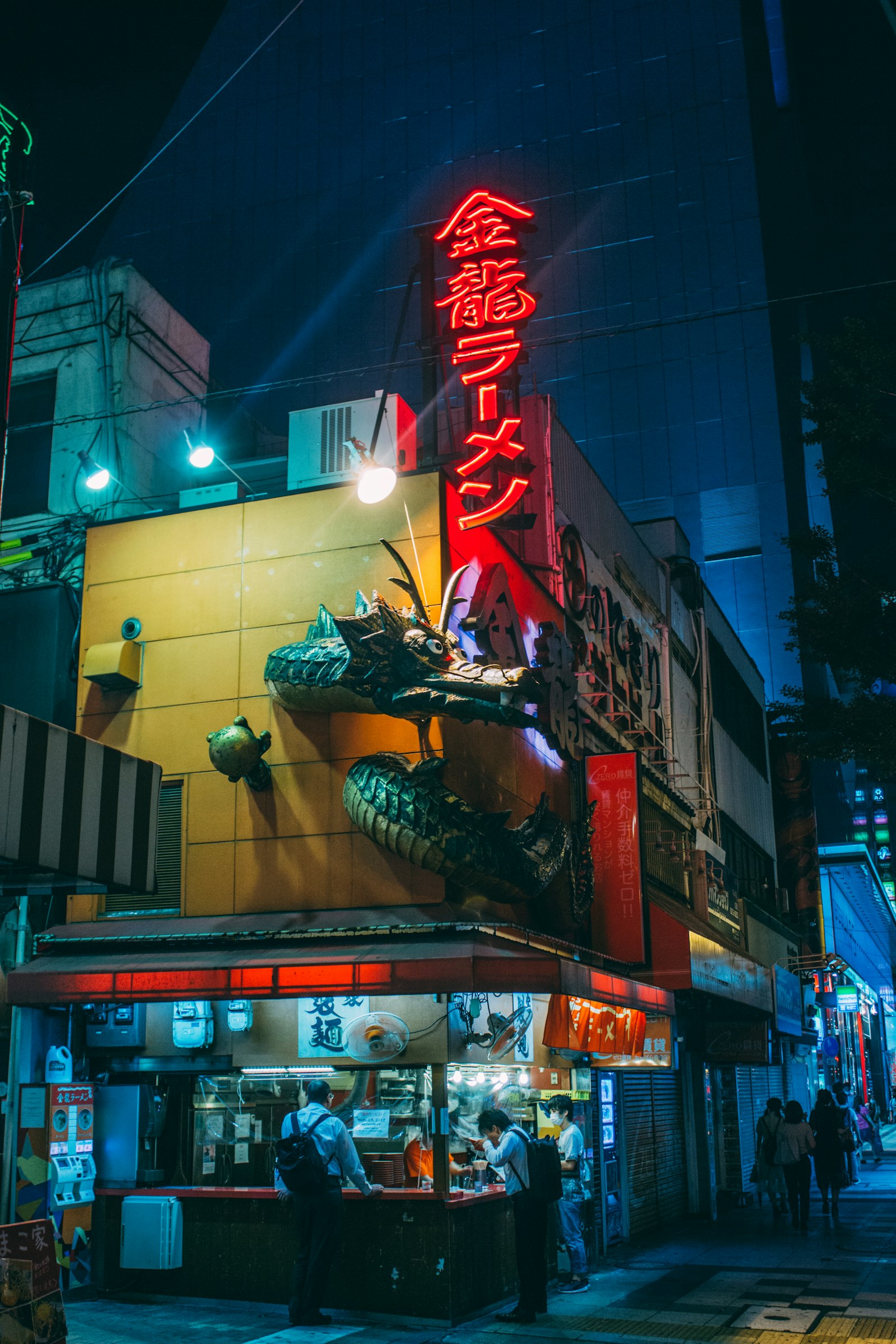
Japan 14 Days Multi-City Backpacker: Data Plan Guide
For a 14-day multi-city Japan backpacking trip, a longer-validity eSIM with a generous data cap beats juggling multiple short-term SIMs between cities.
Updated July 28, 2026