Getting Online in Kyoto: SIM, eSIM and Pocket Wi-Fi
By Japan Connect Guide Team · Updated 9/12/2026
This page contains affiliate links. We may earn a commission if you make a purchase, at no extra cost to you. Learn more.
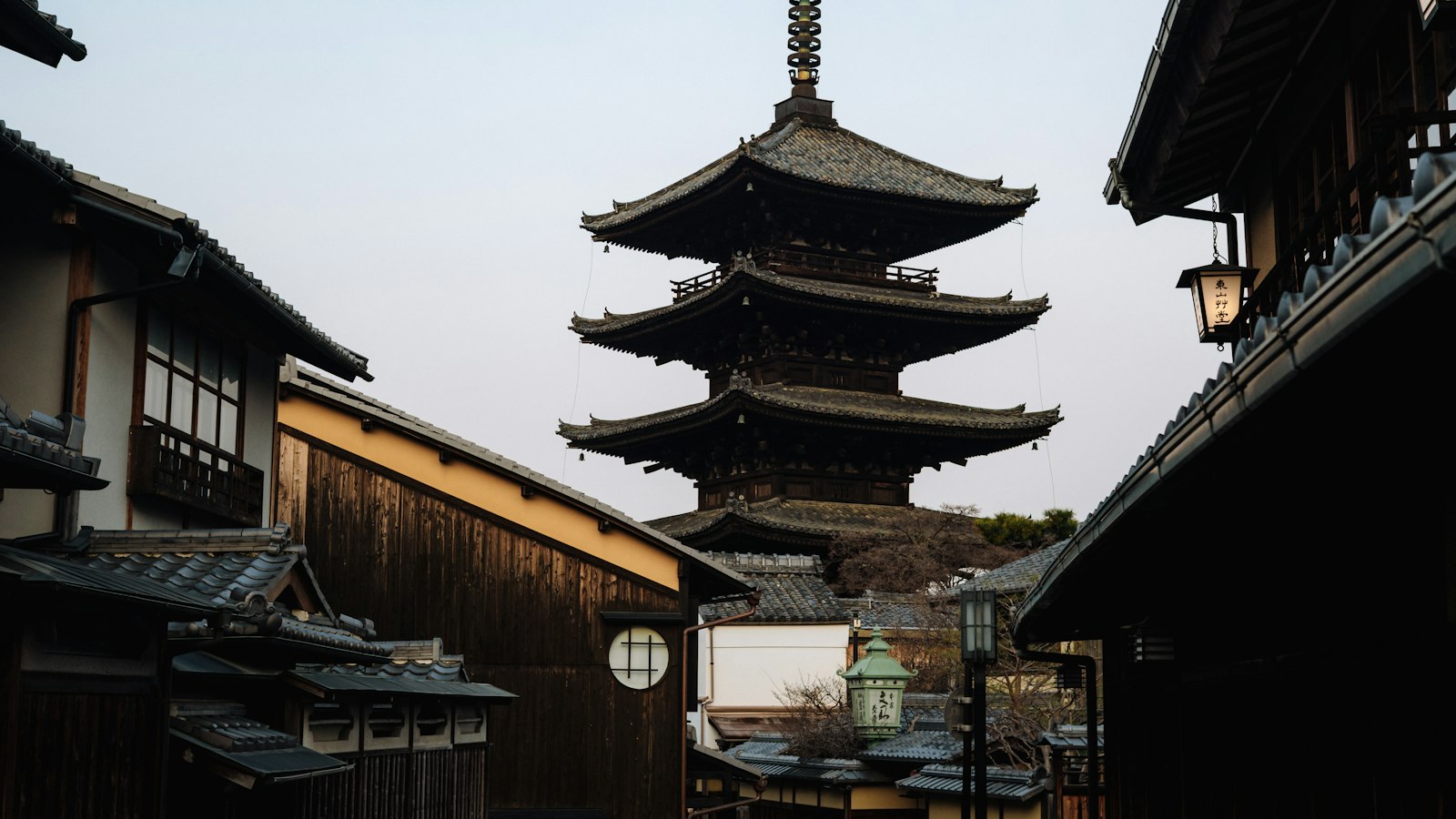
Kyoto is the city on this site where a working connection does the most actual work. Not because coverage is bad, which it isn’t, but because the way you get around and the city’s opening hours both push you back to your phone repeatedly through the day.
Quick answer
- Two individual eSIMs if you are a couple: you may split up because of Kyoto's opening hours, and they cost less than a router anyway
- One tourist eSIM each if you are a group, since everyone needs to check bus times independently
- One shared router, plus an eSIM for the early riser if most of you travel together but someone goes to Fushimi Inari at dawn
- A power bank, whatever else you buy if the day is long, outdoors and navigation-heavy
Buses, not a subway grid
Kyoto leans on buses far more than most Japanese cities its size, and buses are harder to use without data than trains are.
A subway line arrives every few minutes and shows you where it goes on a wall board. A Kyoto bus route needs looking up, stops are not always obvious, and in peak season a full bus may pass your stop without picking anyone up, which forces a re-plan on the spot. If your party is sharing one connection, only the person holding it can check what to do next.
This is the single biggest argument for everyone in a group having their own connection in Kyoto, and it is specific to this city rather than a general principle.
The city closes earlier than you expect
Many temples stop admitting visitors in the mid-to-late afternoon, well before the day feels over. Restaurants in the older districts often run a single early dinner service. The bus network thins out at night considerably sooner than a big-city subway does.
The consequence is that a Kyoto day has two pinch points, and both involve looking something up while possibly not standing next to the rest of your party. Early: one person goes to Fushimi Inari or Arashiyama at dawn to beat the crowds while the other sleeps in. Late: you are in Gion after the last convenient bus, checking what is still running, when taxi availability in peak season is not guaranteed.
Download an offline map of central Kyoto before you arrive. It costs nothing and it covers the moment your battery is lower than you would like on a long day.
Where a group physically separates
Kyoto’s sights sit in a wide ring: Arashiyama out west, roughly half an hour from the center; Fushimi Inari to the south; the Higashiyama temples along the eastern hills.
Fushimi Inari deserves specific mention because it separates people vertically. The torii trail can take a couple of hours round trip if you go all the way to the summit, and a party naturally strings out along the switchbacks, with fast walkers well ahead of whoever is photographing every gate. A shared pocket Wi-Fi router serves the people standing near it, and on that trail almost nobody is. Agree a physical regroup point before you start climbing rather than planning to sort it out by message.
What to buy
| Party | Typical answer | Cost |
|---|---|---|
| Solo | One tourist eSIM | ¥1,650 for 3 days, ¥3,850 for 7 |
| Couple | Two individual eSIMs | ¥5,500 for 5 days |
| Family of 4 | One shared pocket Wi-Fi router | ¥8,558 for 7 days |
| Group of 5+ | One router, plus an eSIM for anyone likely to break away | From about ¥1,400 per person |
The advice for groups is shaped by Kyoto specifically. In a compact city, a group of six splitting into two fixed halves justifies a second router. Here the usual pattern is one or two people peeling off unpredictably, which an individual eSIM covers better than a second rental nobody is carrying.
For a couple, two eSIMs cost less than the seven-day router rate a five-day trip would have to pay, since no five-day rental tier exists. A router still makes sense if a phone in your party cannot take an eSIM, or if you are bringing a laptop.

Mobal
Priced by the exact day, so a short Kyoto trip pays only for the days it uses
940+ customer reviews, mostly positive
Coverage notes
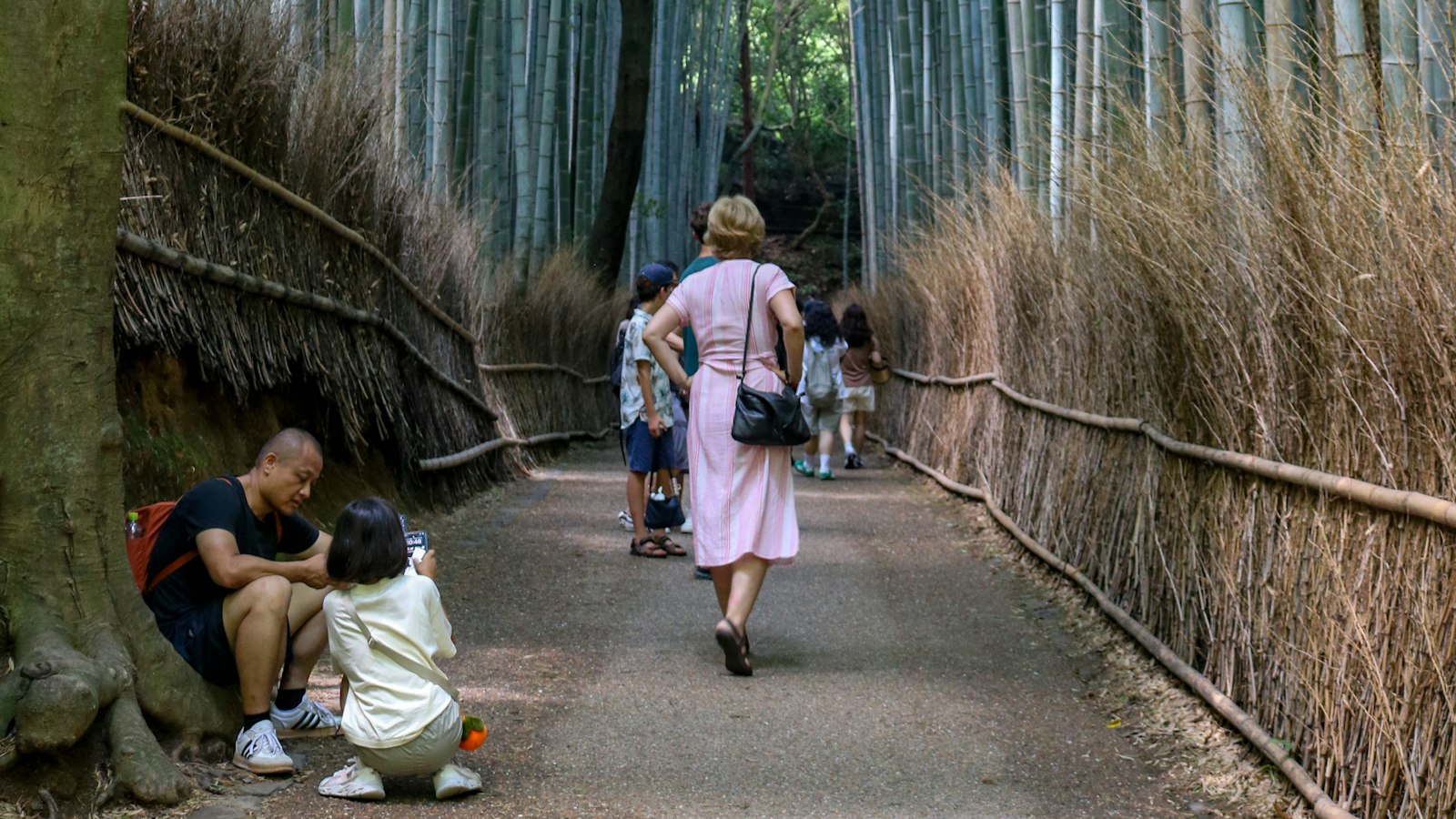
Coverage is generally strong across a standard itinerary. The hillier, wooded stretches of the Fushimi Inari trail and Arashiyama’s bamboo grove can weaken briefly, which is a result of the terrain rather than your carrier, and not a reason to choose one over another. Temple grounds with heavy stone construction or dense tree cover produce short dips.
Do not plan to use free public Wi-Fi as your main connection here. It generally requires a fresh signup per session, and losing ten minutes to a captive portal matters more when you are working out whether the last bus has gone.

Sakura Mobile
Pocket Wi-Fi for a family, or docomo coverage if you would rather buy a daily allowance
1,402 customer reviews, mostly 5-star but with some complaints
How much data a Kyoto trip uses
Roughly 1-2GB per person per day. The profile is unusual: navigation-heavy rather than streaming-heavy, with repeated bus and timetable lookups rather than video. That matters because navigation is the traffic you cannot skip, so reliability is worth more here than a large allowance, and every plan we compare covers the volume easily.
Frequently Asked Questions
Do I need mobile data for Kyoto's buses?+
It is the most useful thing you will do with it here. Kyoto depends on buses more than a subway network, routes need looking up, and in peak season a full bus may pass your stop without picking anyone up, so plans change in real time. Ideally each person can check independently.
Is sharing one pocket Wi-Fi cheaper for a couple in Kyoto?+
No. Two Mobal 5-day eSIMs come to ¥5,500, against ¥6,248 for a 4-day Sakura Mobile router and ¥8,558 for the 7-day tier. Neither provider offers a 5-day router, so a five-day trip means renting seven days.
Will one router keep a group connected at Fushimi Inari?+
Only if you climb together. The torii trail can take a couple of hours round trip if you go all the way to the summit, and a group naturally strings out along the switchbacks, which puts people well outside Wi-Fi range of whoever carries the router.
Should I rely on Kyoto's free public Wi-Fi?+
Not for anything time-sensitive. It typically requires a separate signup per session, which is a bad thing to be dealing with at night while working out whether your last bus has gone.
All Kyoto connectivity guides
Worked through by trip length and party size, with current prices for each.

Kyoto 3 Days Solo Traveler: SIM/eSIM Guide
Three days alone in Kyoto means racing temple closing times with no one to share the navigating. Here's the setup that fits, why battery matters more than data, and what it costs.
Updated September 12, 2026

Kyoto 4 Days Group of 6+ Friends: Best Value SIM/Wi-Fi
Kyoto spreads a group of 6 across a wide ring of sights and up a mountainside. Here's why one shared router behaves differently here than in a compact city, with per-person costs.
Updated September 12, 2026
Kyoto 5 Days Couple: SIM/eSIM Guide
Kyoto empties out early — temples close mid-afternoon and buses thin out at night. For a couple, that makes an independent connection each worth more than a shared router.
Updated September 12, 2026
Kyoto & Osaka 5 Days Couple: SIM/Wi-Fi Guide
Splitting five days across two cities adds a problem single-city trips don't have: where you return a rental router. Why that alone often settles it for a couple, plus costs.
Updated September 12, 2026
Kyoto 7 Days Family of 4: Connectivity Guide
Nobody sightsees seven days straight with children, so should you pay for seven days of connectivity? The rental-tier math for a Kyoto family week, plus bus-day practicalities.
Updated September 12, 2026
Japan 14 Days Multi-City Backpacker: Data Plan Guide
For a 14-day multi-city Japan backpacking trip, a longer-validity eSIM with a generous data cap beats juggling multiple short-term SIMs between cities.
Updated July 28, 2026